Can a travel eSIM replace your phone plan? A practical guide
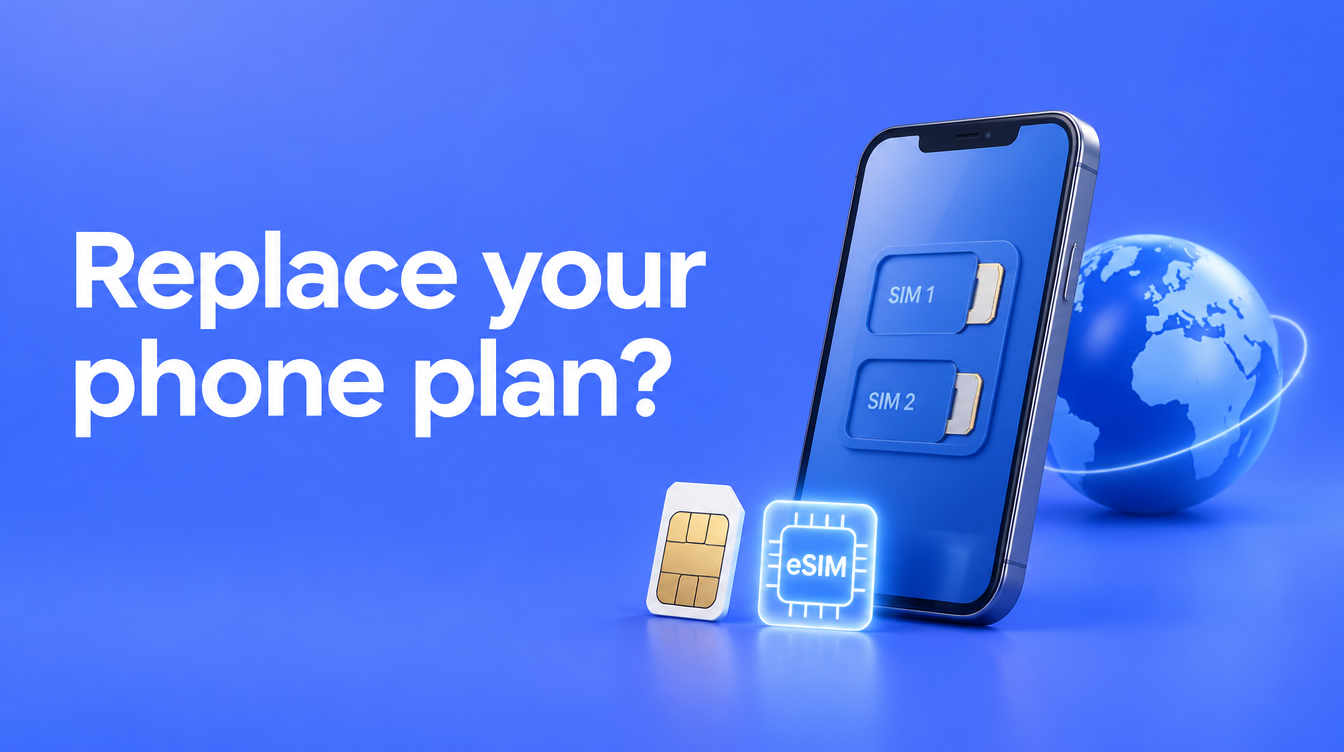
Short answer: for mobile data, yes. For your phone number, not quite. The setup that works for most frequent travelers is simple: keep your number on the cheapest plan you can find, and use one global eSIM for data at home and abroad.
What can an eSIM replace, and what can't it?
A data eSIM gives you internet. That covers almost everything you do on a phone today:
- WhatsApp, Telegram, iMessage, FaceTime
- Maps, rides, bookings
- Email, Slack, banking apps
- Calls over the internet
What it doesn't give you, in most cases, is a local phone number for regular calls and SMS. And some services still send codes by SMS.
So don't throw your number away. Just stop paying a lot for it.
Step 1: How much data do you really use?
Open your phone settings and check mobile data for the last few months.
- iPhone: Settings, Mobile Data (or Cellular).
- Android: Settings, Network, Data usage.
Write down the monthly number. That's your real need. Most people find it's smaller than their plan.
If you want help estimating trips, see how much data you need on a trip.
Step 2: Downgrade your number line
Call or check your carrier's site for the cheapest plan that keeps your number active. Look for:
- No or short contract.
- Cheap monthly price.
- SMS included, so you still get bank codes.
You don't need data on this line. Your data comes from the eSIM.
Before downgrading, check your current contract for early exit fees.
Step 3: Pick a global eSIM plan
Choose a plan that covers every country you go to, not just one. That's the whole point. A per-country eSIM puts you back in the per-country trap.
Super eSIM plans work in 100+ countries with one eSIM:
| Data | Price |
|---|---|
| 1 GB | €2.90 |
| 3 GB | €6.99 |
| 6 GB | €9.99 |
| 12 GB | €14.99 |
| 20 GB | €22.99 |
| 30 GB (30 days) | €27.99 |
| 50 GB | €35.99 |
Note: the 100 GB / 180 days plan (€99) and the 15 GB offer cover 40 countries (EU, USA, Albania), not 100+.
Step 4: Install and set up dual SIM
Most recent iPhones, Pixels and Samsung phones support eSIM plus a second line.
- Install the eSIM from the app or the QR code.
- Set the eSIM as your mobile data line.
- Keep your physical SIM as the default for calls and SMS.
- Turn off data roaming on your physical SIM, so it never charges you abroad.
- Turn on data roaming on the eSIM.
Your WhatsApp stays tied to your number. It just uses the eSIM's data.
Step 5: Decide how you want to pay
Two options, both optional, no contract.
Auto-renewal. Your plan renews on a regular cycle. Good if your usage is steady.
Auto top-up. When your data runs out, we add the amount you chose and charge your card. Good if your usage goes up and down. You don't pay for a full month you won't use.
We compared them in detail in auto top-up vs monthly renewal.
Who is this setup best for?
- Digital nomads who move every few weeks.
- International entrepreneurs splitting time between countries.
- Anyone who travels abroad several times a year.
- Light data users who are mostly on Wi-Fi.
Who should keep a big home plan?
- People who never travel.
- Heavy users who stream or tether every day on mobile data.
- People who rely on lots of regular calls.
Honest limits matter. A global eSIM is great at data. It's not designed to be your home broadband.
What does it cost in practice?
Take a light user who uses about 5 GB a month. The 6 GB plan at €9.99 covers it, in 100+ countries. Add the cheapest line you can find for your number.
Compare that to what you pay today. If your current plan is 30 euros or more and roaming is extra, the difference adds up fast over a year.
FAQ
Can I keep my phone number if I use an eSIM for data? Yes. Keep your physical SIM for calls and SMS, and use the eSIM for data. Most modern phones support both.
Does WhatsApp work on a data-only eSIM? Yes. WhatsApp stays linked to your number and uses the eSIM's data.
Can I use a travel eSIM in my home country? Check that your country is on the coverage list. Super eSIM covers 100+ countries with one plan.
Is there a contract? No. Auto-renewal and auto top-up are optional and you can turn them off.
What phones support eSIM? Most recent iPhones, Google Pixels and Samsung Galaxy phones. Check your model before buying.